Hi Michael
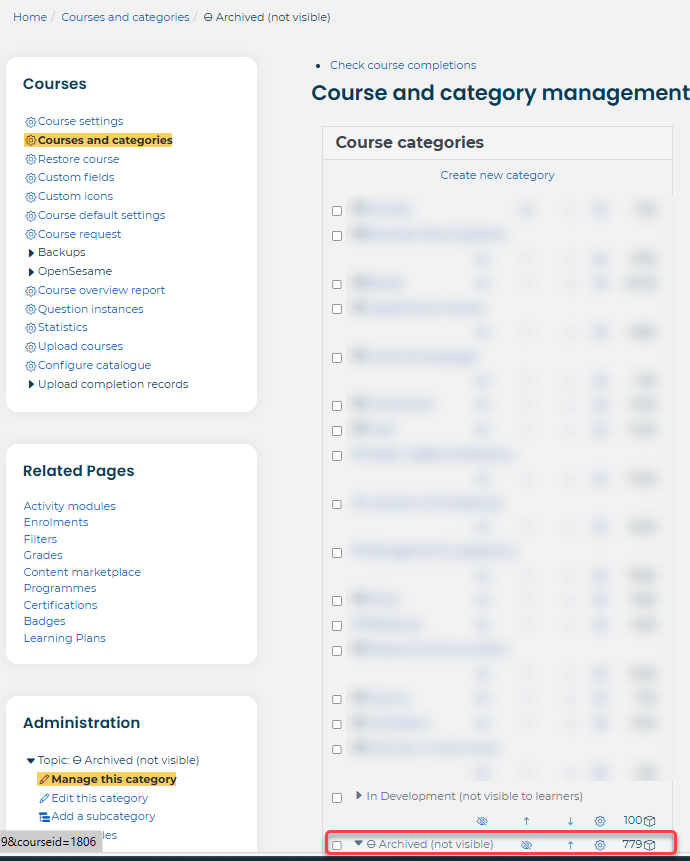
We have a category called 'Archived (not visible)' courses. The category is hidden from learners by using the eye icon in the courses and category screen.
In the course settings we make the following changes:
change the category to Archived
add 'Archived' at the front of the course full name and course short name - this is because when admins are searching the catalogue, these courses will still show. I know some other organisations change the catalogue image as well
tick and add the Course end date
write a note in the course summary saying when and who archived the course, and who requested this
remove custom field data, so the course no longer shows on reports which use this
change the Audience-based visibility and enrolled audiences to "No users" - this means that users will not be able to see the course at all
We have a few other things we do on the course page for example checking there are no current waitlists, removing trainer access etc.
This means the courses can easily be accessed/reinstated. If the course needs to reviewed by people other than admins, this can be done by giving them the trainer role.
Hope this helps - please let me know if you have any questions.
Thanks
Jane