Hi Nicole
Some references will not be updated such as references to files
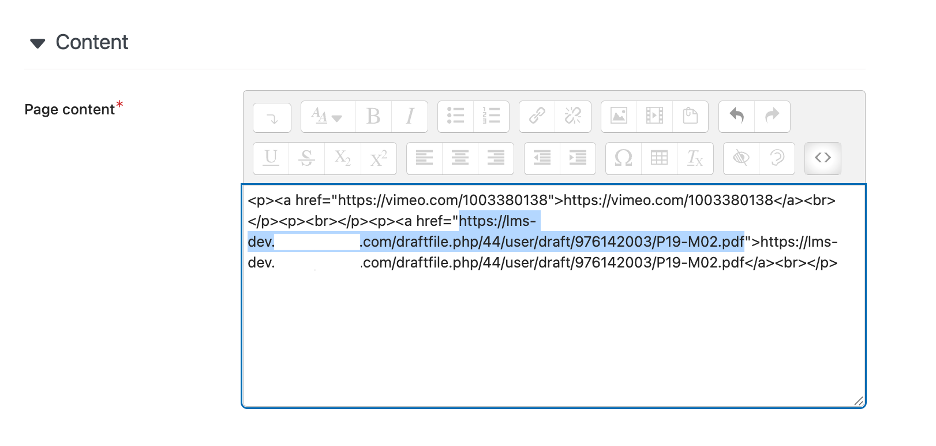
see https://totara.help/docs/change-the-url-of-your-site
If you are updating the URL of your site there may be references to the old URL in the database that need to be updated. You can update these references by following these steps:
Go to Quick-access menu > Server > Maintenance mode and enable maintenance mode.
Create a full backup of your database and data directory.
Run the admin/cli/replace.php script (please see the warning below).
Change your config.php.
Purge all caches (php admin/cli/purge_caches.php).
Optionally configure redirects in your web server for the old URL to the new URL (refer to your web server documentation).
Test the site thoroughly as a Site Administrator.
Disable maintenance mode.
Please note that using the admin/cli/replace.php script is high risk, and should be done carefully. Ensure that the string that you are replacing is unique enough that it could only match uses of the old URL, otherwise you will risk replacing strings you did not intend to. The changes made here cannot be undone, so if you encounter problems then you should restore the backup taken in the first step.
regards