Totara Learn Open Discussions

Customizing Program Completions Block

 
Natalie Matthews
Customizing Program Completions Block
par Natalie Matthews, Thursday 9 October 2025, 13:50
Groupe Helpful contributor 2024Groupe Learn Site AdministratorGroupe Most helpful contributor 2023

Good day,

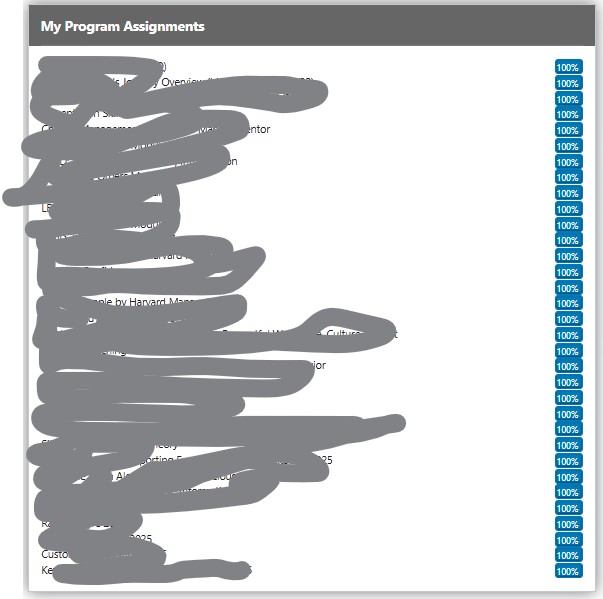
We were curious if there is a way in either V16 (what we are on now) or V19 (we are upgrading next month) to be able to customize the Program Completions block? We already have modified the name of the block and added/deleted the programs we'd like to show in the block.

Is there a way to choose what order assignments in this block display (assignments that still need to be completed at the top)? Also, is there a way to display the due date or grid lines inside of this block?

We realize there are other blocks that can be used, but this one was the closest to what we need to be displayed without glitches. Thank-you so much for your help.

Natalie

Craig Eves
Re: Customizing Program Completions Block
par Craig Eves (Totara Support), Thursday 9 October 2025, 16:19
 

Hi Natalie

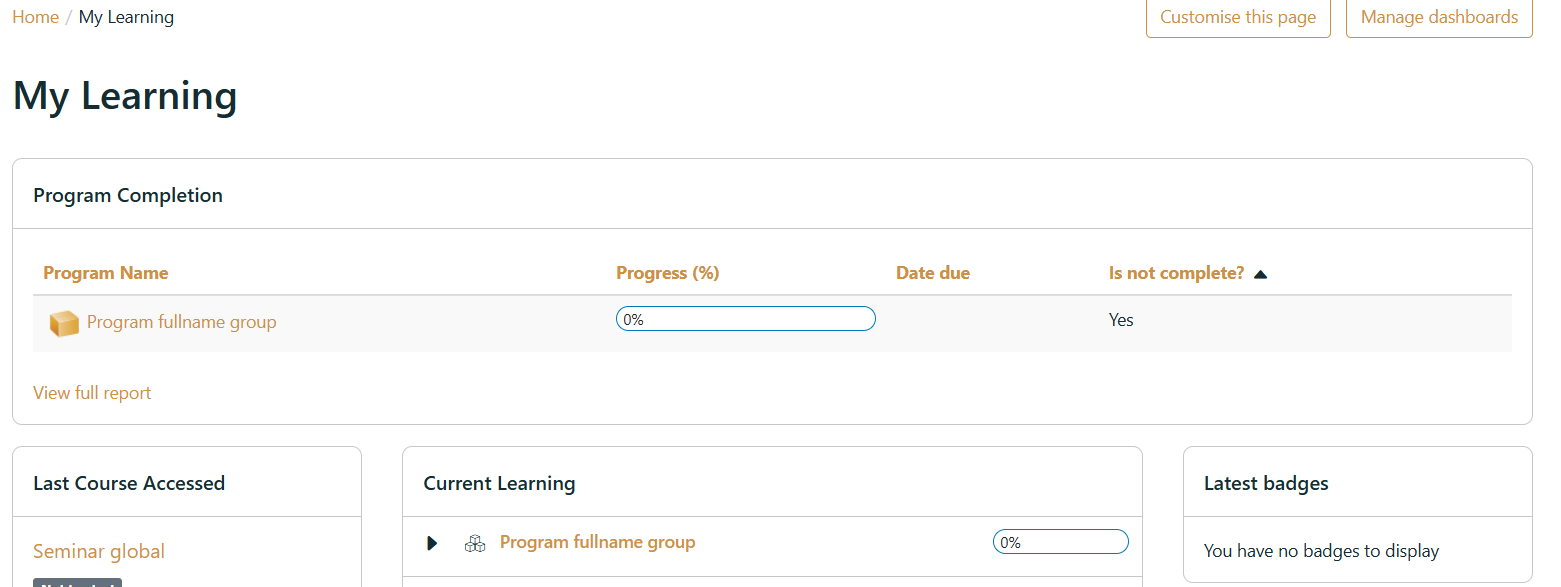
There aren't any setting in the program completion block to achieve this however you can use the Program completion report and use the Report table block to add the report . In the report select the Content tab and Show records based on user so you only see your own records. You can also use a saved filter and apply this for the block

If you sort by Is not completed column then this will show non completed programs first.