Totara Learn Open Discussions

Enable 'HR import' flag by default

 
Kai Thompson
Enable 'HR import' flag by default
von Kai Thompson – Monday, 13. October 2025, 11:36
 

When importing users via the HR CSV upload how can we ensure that the "HR Import" flag is set to 'on' by default for the new profile, such that the user can subsequently be updated/deleted via another HR Import?

Currently when we import users the profile does not have the flag set (see below)

This means although we create users via the HR import - we cannot update those same users via the HR import and get this error:

It's not feasible for us to update these manually - and using the bulk editor in our case is even more difficult.

What am I missing?

Schlagwörter:
Craig Eves
Re: Enable 'HR import' flag by default
von Craig Eves (Totara Support) – Monday, 13. October 2025, 13:48
 

Hi Kai

When a new user is created using HR Import the HR Import checkbox should be automatically enabled.

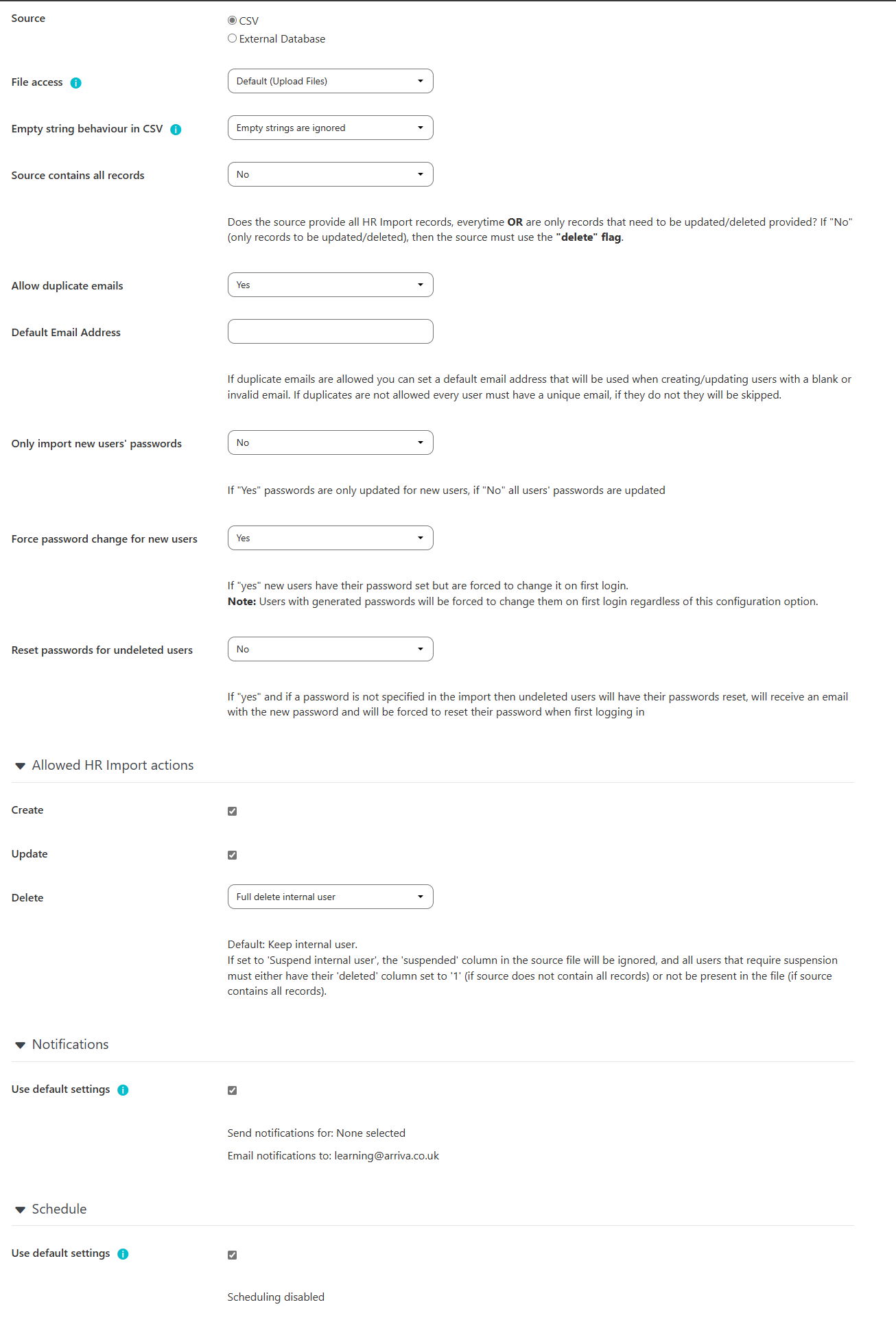
Can you confirm that the Element settings for the User element has the Create HR Import action enabled ?

It is also possible to use the Bulk user action and filter users with the HR Import value of No and select the bulk action of toggle HR Import , This would change user records with Id numbers to allow the HR Import.

It sounds like you are aware of this but you are saying in your case this is even more difficult so assume there is some reason you don't want these records with HR Import enabled.

regards

Kai Thompson
Re: Enable 'HR import' flag by default
von Kai Thompson – Wednesday, 15. October 2025, 01:49
 

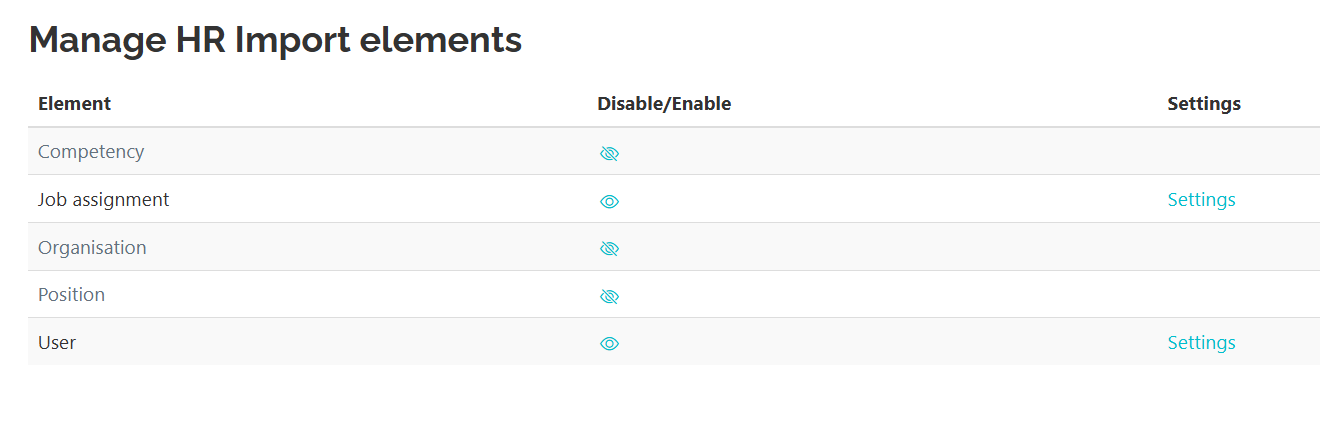
Hi Craig, yes the User element is enabled & Create is checked for HR import actions:

I uploaded another user today using Administration: Users: Upload users and the HR Import flag was disabled for the new user (they did have a User-ID in the initial file). Does the upload function differently to the HR Import at Administration: HR Import: Sources: Upload HR Import files ?
If so is there a way to automatically check the flag for users created by this method? I don't see a option for it in the csv schema (although it would be useful)

The bulk-edit tool is not useful to me in this particular scenario because the users would still need to be identified manually - there is no combination of filters on the bulk that would allow me to filter a group of users who may have been created at different times in the past. We have users from different organisations within the same tenant who I should not modify so I can't apply the change to all users.

Thanks for you support

Kai

Craig Eves
Re: Enable 'HR import' flag by default
von Craig Eves (Totara Support) – Wednesday, 15. October 2025, 12:24
 

Hi Kai

The upload users does differ to the HR Import - it doesn't include a HR Import field or job assignment fields

There isn't a field that identifies records crated by uploading users although a custom profile field could be creted amd populated for this if required

For more information See differences to HR import

if the users can't be identified in the past would it be an option to use bulk user chnage to toggle all records without the HR Import ?

regards

John Unnever
Re: Enable 'HR import' flag by default
von John Unnever – Friday, 24. October 2025, 08:02
Gruppe Partners

We've got a couple scheduled tasks that go in and set the totara sync value to on in the user table and the job assignment tables. We still end up with users in the report showing as being skipped due to HR import being set to 'disabled'. Do you know all of the areas / tables that the hr import process would be looking at for them to be flagged as disabled by the hr import process?