Totara Learn Open Discussions

Adding unlisted Vimeo with Media Tool

 
BrightPeter
Adding unlisted Vimeo with Media Tool
BrightPeter 发表于 2025年11月9日 Sunday 20:07
小组 Partners

Hi Folks,

Q1: Has anyone successfully added an 'Unlisted' Vimeo video using the Media Tool > Video > Video source URL?

Q2: Was this with Consistent Cleaning (HTML Purification) enabled?

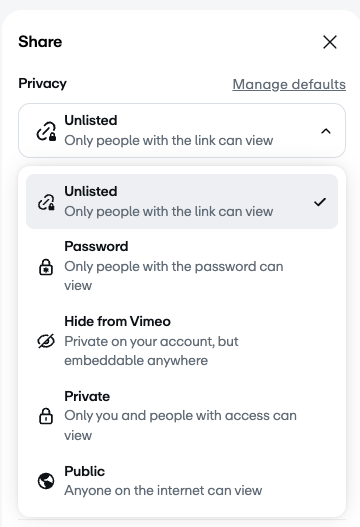
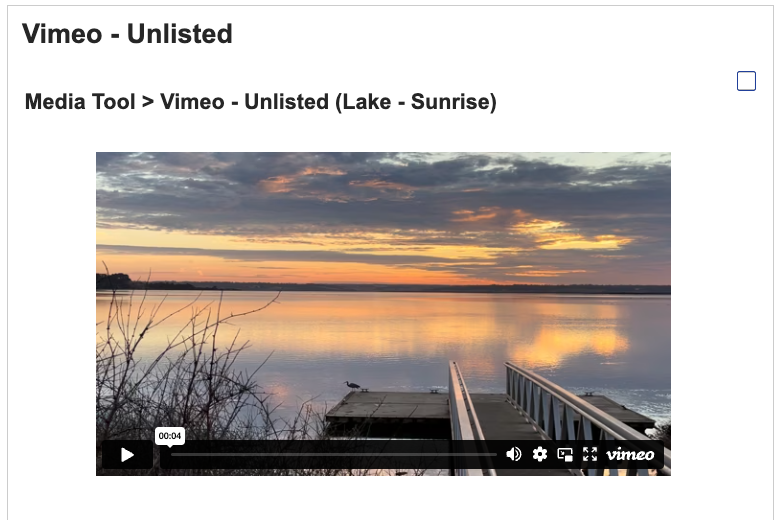
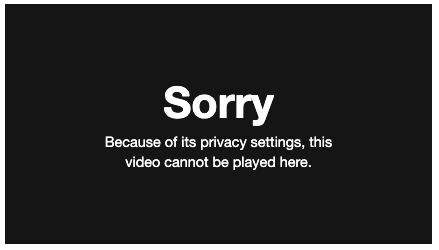
Vimeo videos with Privacy set to Public or Private work for me but Unlisted doesn't.

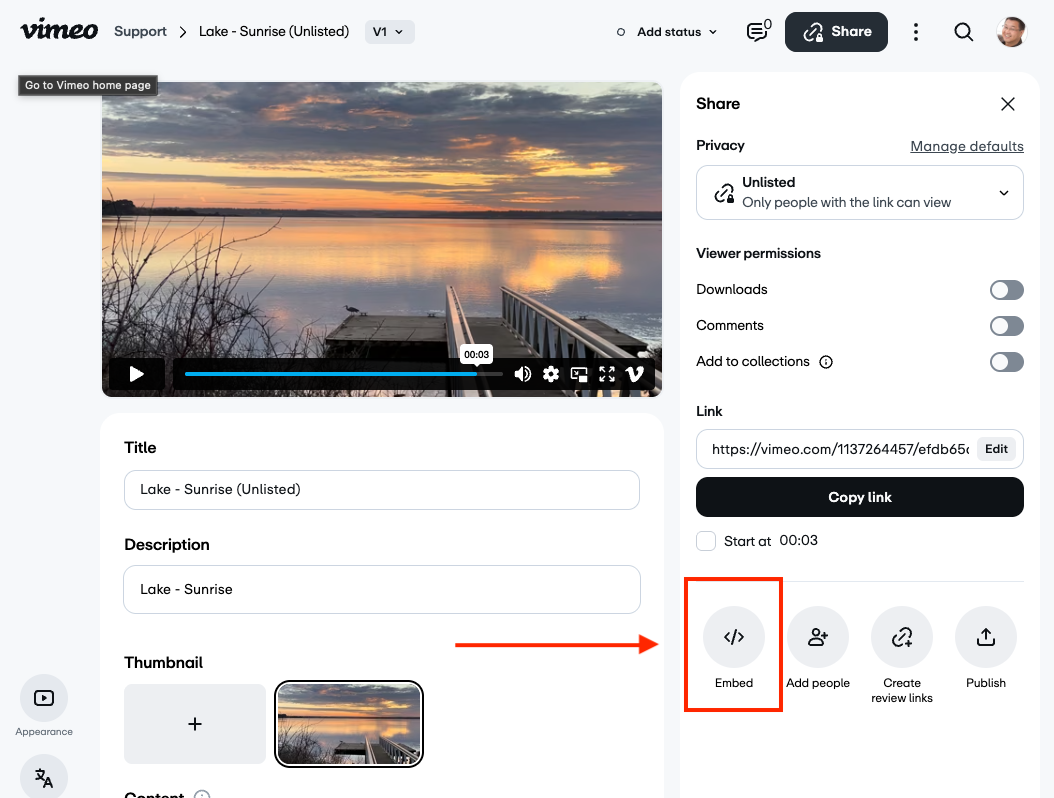
See attached screenshots

Regards,

Peter


BrightPeter
Re: Adding 'Unlisted' Vimeo with Media Tool
BrightPeter 发表于 2025年11月17日 Monday 12:11
小组 Partners

Problem solved!

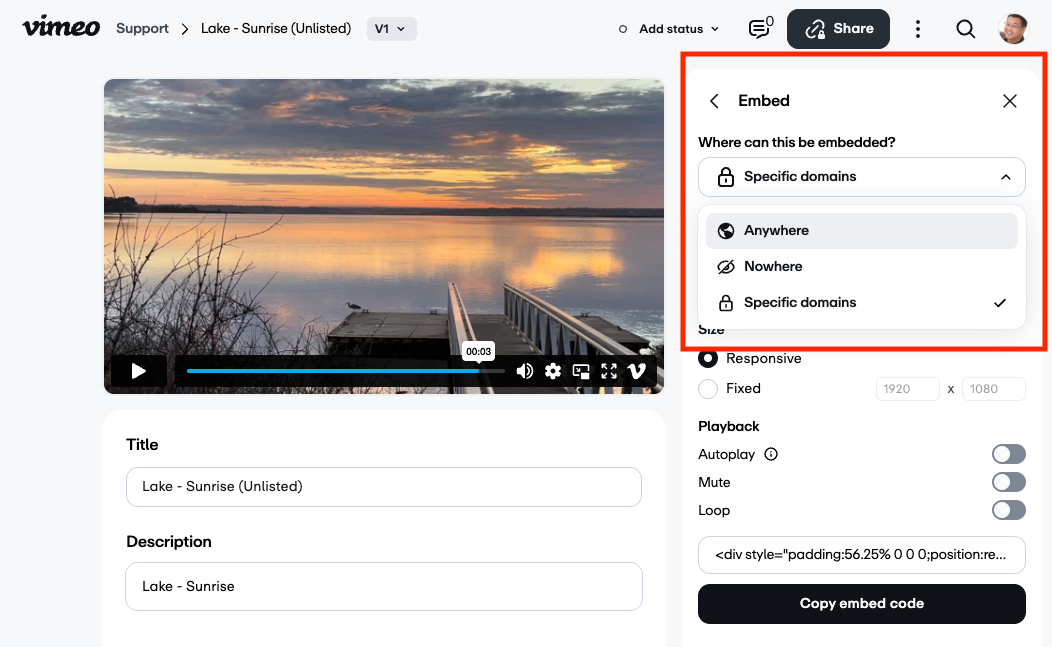
As I was using the Link (URL) in the Media Tool > Video source URL field, I didn't think I needed the Embed code so had set the 'Where can this be embedded?' option to 'Nowhere'.

When I changed the 'Where can this be embedded?' to 'Anywhere' or 'Specified domains' and selected the domain of the Totara server I was using, the video appears.

Summary:
To use an Unlisted Vimeo in Totara's Media Tool > Video source URL field,
you must set the Embed > 'Where can this be embedded?' to 'Anywhere' or 'Specified domains'.


BrightPeter
Re: Adding 'Unlisted' Vimeo with Media Tool
BrightPeter 发表于 2025年11月17日 Monday 14:02
小组 Partners

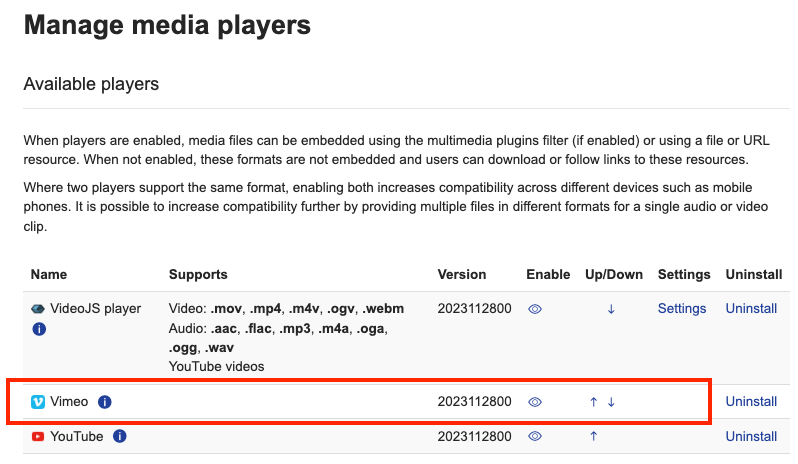
Note: To use Vimeo in the Media Tool, you need to have Vimeo enabled under Manage media players.

[domain]/admin/settings.php?section=managemediaplayers


BrightPeter
Re: Adding 'Unlisted' Vimeo with Media Tool
BrightPeter 发表于 2025年11月17日 Monday 14:04
小组 Partners

Just confirming, this is now working on a site with Consistent Cleaning (HTML Purification) enabled.